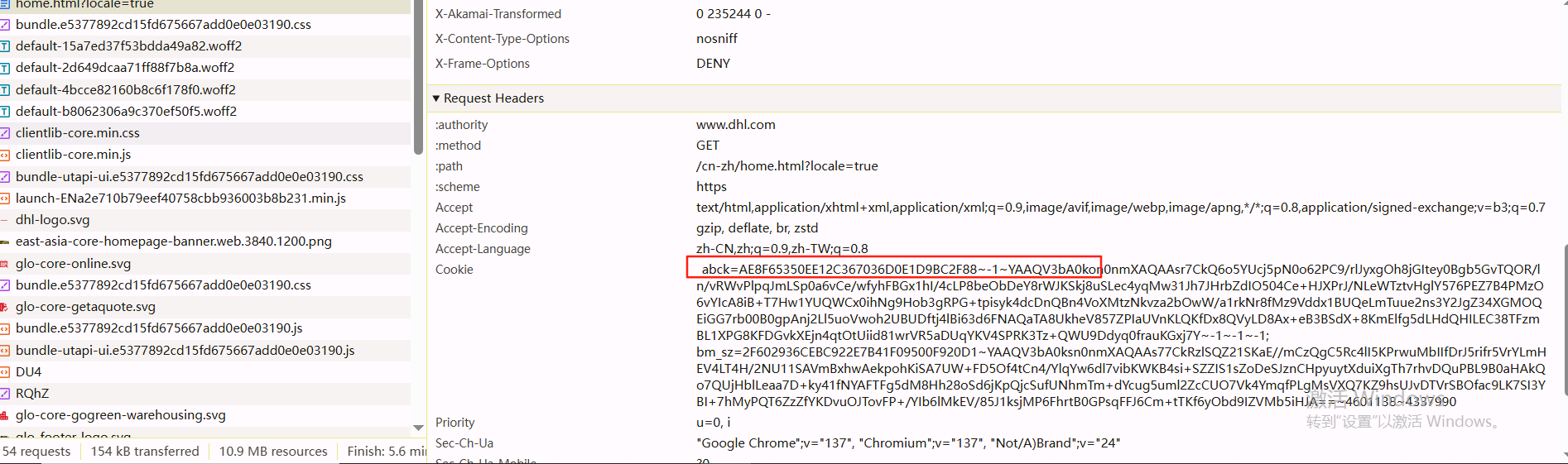
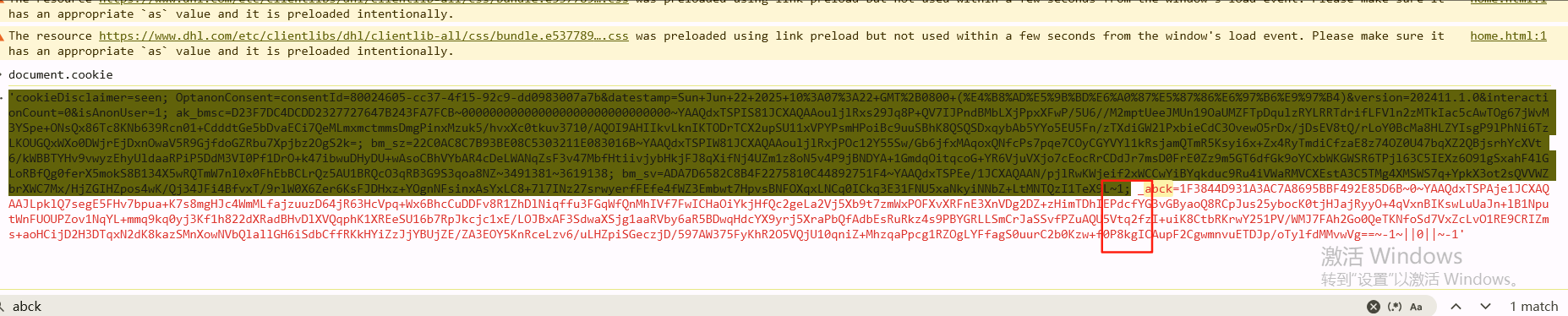
参数特征就是这个abck字段
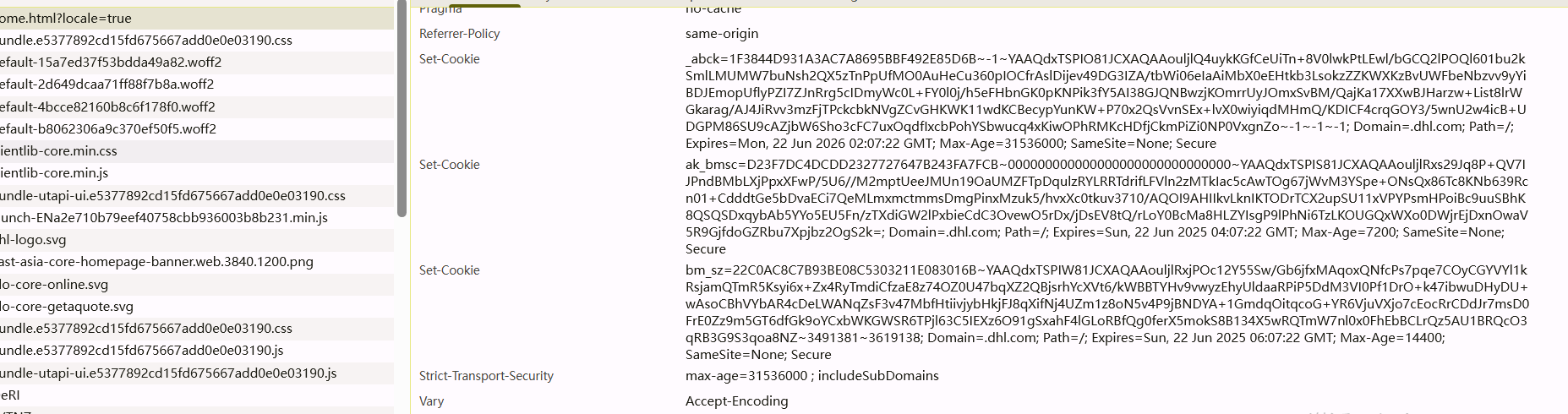
这个参数是通过请求拿到的,响应的set-cookie字段
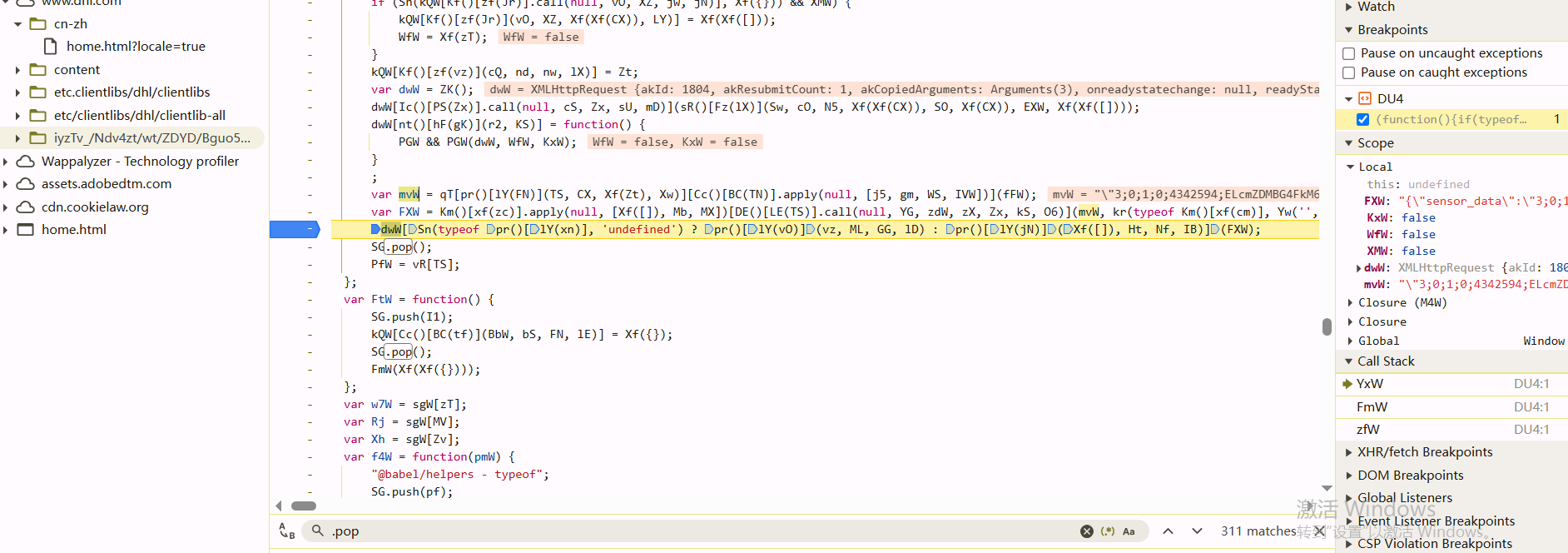
要逆向发起这个请求参数,清除cookie之后再initiator的里面下断点
断下来之后看到这里mvW就是参数值
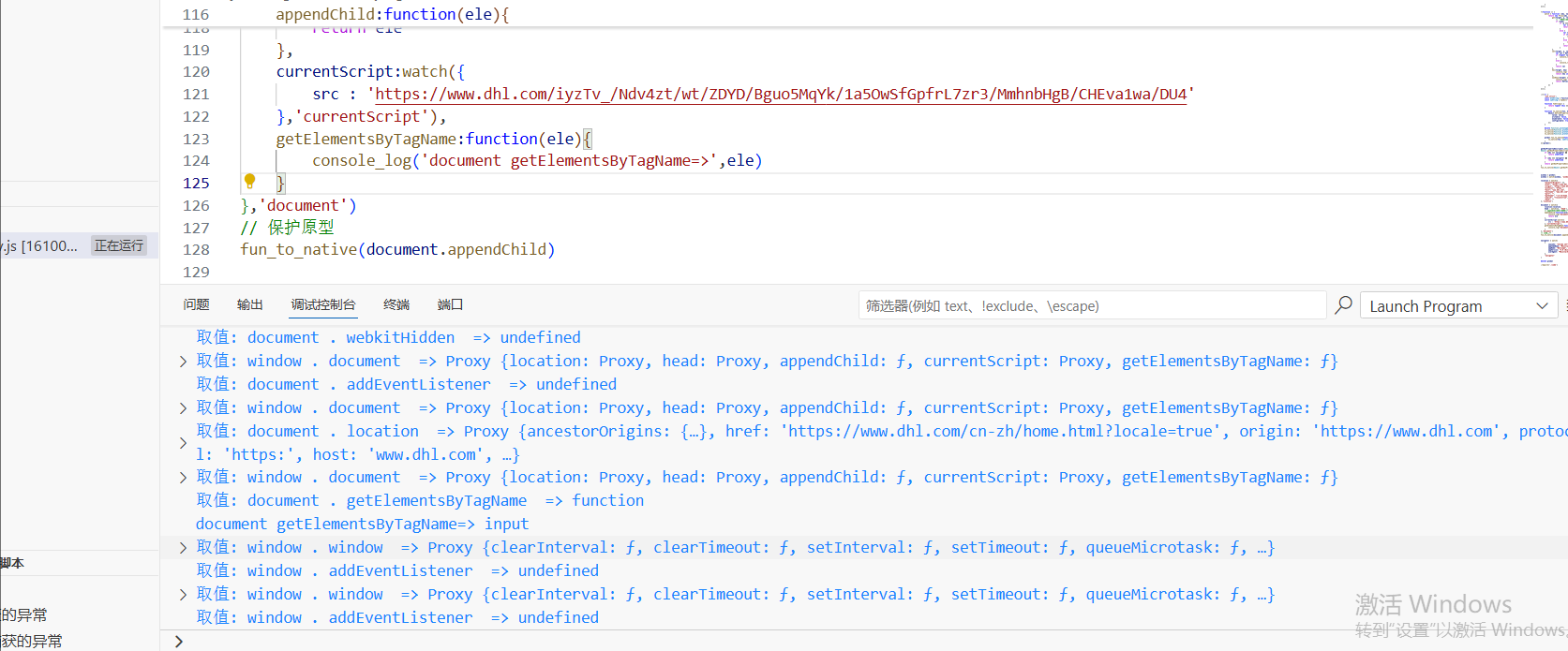
currentScript 属性要在打浏览器Script断点且js脚本刚被加载的时候才能看到,这个是属性是指当前运行的js代码,hook之后发现会取currentScript.src
把日志里该补的补完之后,发现脚本不报错,一直在addEventListener那里循环
然后就是把setInterval、setTimeout、addEventListener三个函数给补上再看
1
2
3
4
5
6
window .setInterval =function (fun_to_native (setInterval )window .setTimeout =function (fun_to_native (setTimeout )window .addEventListener =function (fun_to_native (addEventListener)
还发现获取了input标签,在浏览器中该标签有5个元素,这里补的时候可以先都返回空,如果不行的话再看
1
2
3
4
5
6
getElementsByTagName :function (ele ){ console_log ('document getElementsByTagName=>' ,ele) if (ele === 'input' ){ return [] } }
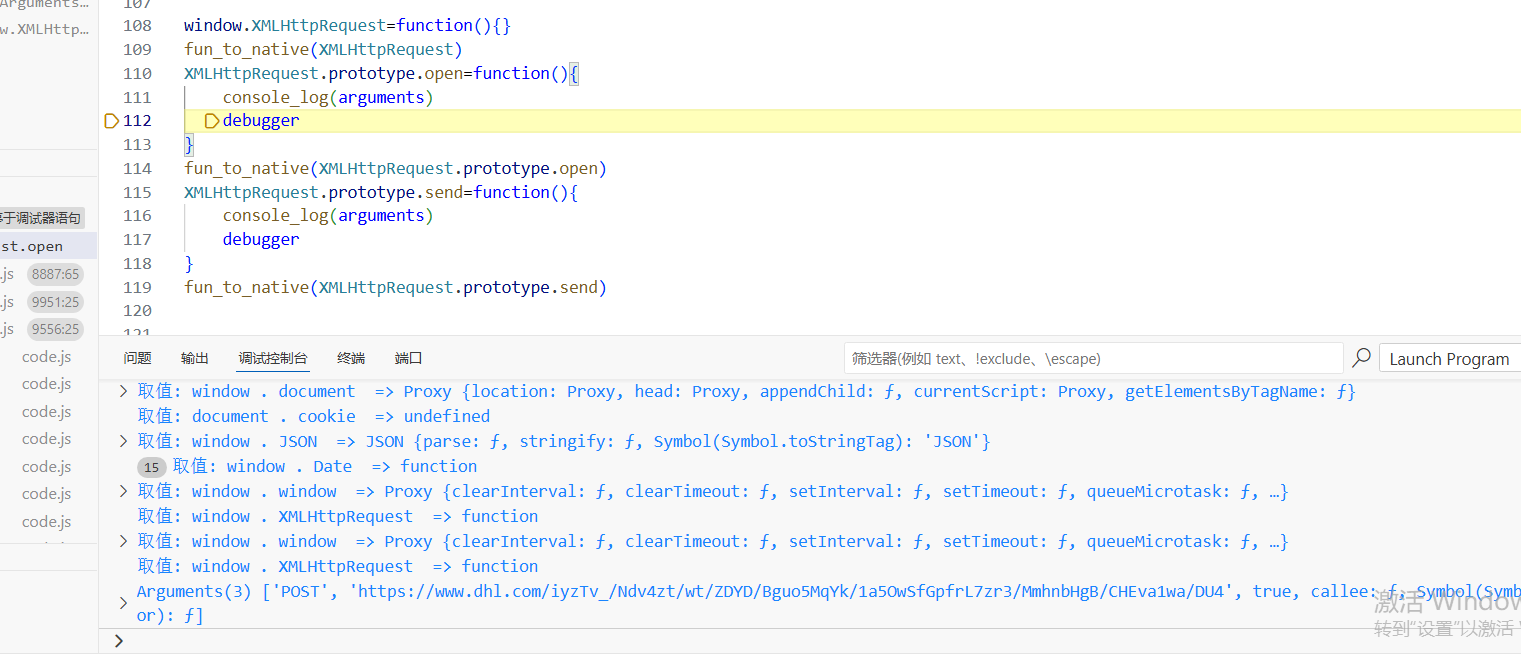
这俩XMLHTTPRequest的open方法和send方法也得挂上,同时打印参数,因为浏览器里对应的方法就是通过open和send发送的
而且调试发现同一个js文件名,不同的时候加载,变量名会变化,这是题外话了
1
2
3
4
5
6
7
8
9
10
11
12
window .XMLHttpRequest =function (fun_to_native (XMLHttpRequest )XMLHttpRequest .prototype open =function ( console_log (arguments ) debugger } fun_to_native (XMLHttpRequest .prototype open )XMLHttpRequest .prototype send =function ( console_log (arguments ) debugger } fun_to_native (XMLHttpRequest .prototype send )
open的时候打开的就是js脚本地址的链接
再往下走到send方法的时候就已经出值了
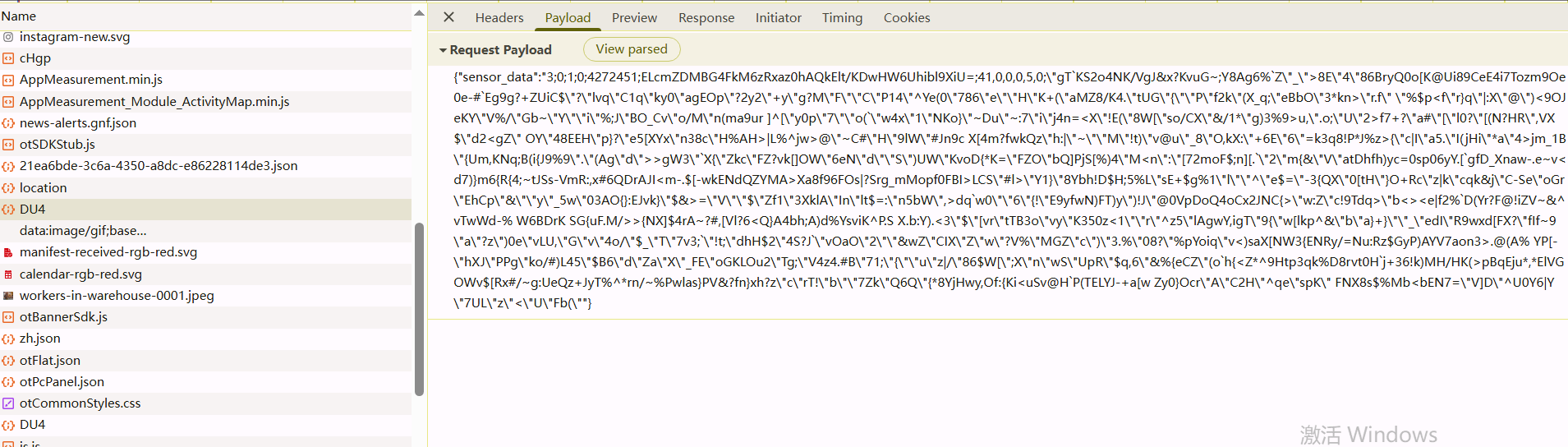
但是这个时候是假值,无法过校验,还需要补环境,注意cookie的设置是网页返回的字段
这里最后的分号;不要复制进去了
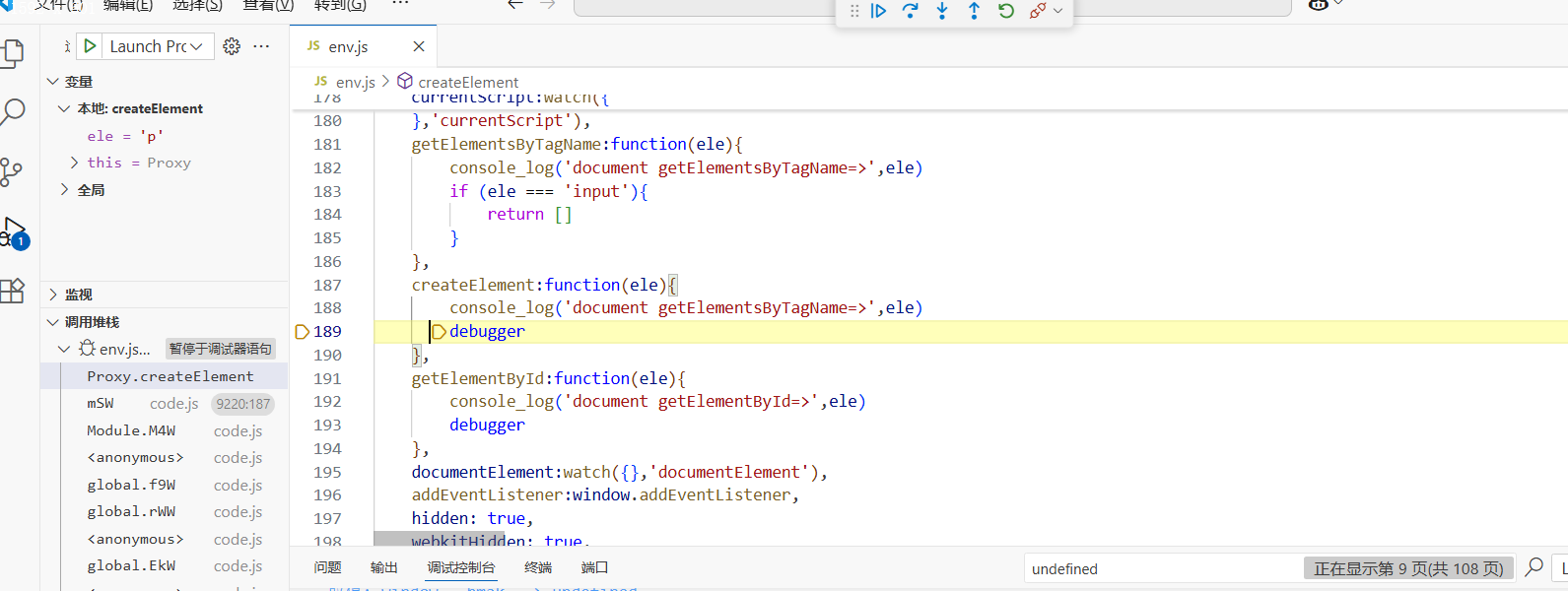
然后就是补createElement、getElementById、getElementsByTagName这种方法的时候可以下断点,看创建了什么标签或者拿什么标签
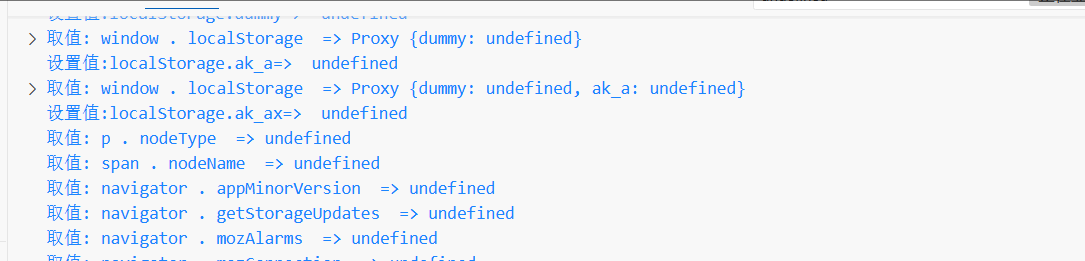
开始补的时候,可以挂上代理,然后看日志里调用了什么属性
1
2
3
4
5
6
7
8
9
10
11
12
13
14
15
16
createElement :function (ele ){ console_log ('document getElementsByTagName=>' ,ele) if (ele === 'p' ) { let p = watch ({},'p' ) return p } if (ele === 'span' ) { let p = watch ({},'span' ) return p } if (ele === 'div' ) { let p = watch ({},'div' ) return p } debugger }
根据属性一步步补齐
1
2
3
4
5
6
7
8
9
10
11
12
13
14
15
16
17
18
19
20
21
22
23
24
25
26
27
28
29
30
31
32
33
34
35
36
37
38
39
40
41
42
43
44
45
46
47
48
49
50
51
52
53
54
55
56
57
58
59
document = watch ({ location :location, head : watch ({}, 'head' ), appendChild :function (ele ){ console_log ('document appendChild=>' ,ele) return ele }, currentScript :watch ({ src : 'https://www.dhl.com/iyzTv_/Ndv4zt/wt/ZDYD/Bguo5MqYk/1a5OwSfGpfrL7zr3/MmhnbHgB/CHEva1wa/DU4' },'currentScript' ), getElementsByTagName :function (ele ){ console_log ('document getElementsByTagName=>' ,ele) if (ele === 'input' ){ return [] } }, createElement :function (ele ){ console_log ('document getElementsByTagName=>' ,ele) if (ele === 'p' ) { let p = watch ({ nodeType :1 },'p' ) return p } if (ele === 'span' ) { let p = watch ({ nodeName :'SPAN' },'span' ) return p } if (ele === 'div' ) { let p = watch ({ getElementsByTagName : function (ele ){ console .log ('div getElementsByTagName=>' ,ele) }, ATTRIBUTE_NODE : 2 , baseURI : 'https://www.dhl.com/cn-zh/home.html?locale=true' },'div' ) fun_to_native (p.getElementsByTagName ) return p } debugger }, getElementById :function (ele ){ console_log ('document getElementById=>' ,ele) debugger }, documentElement :watch ({ getAttribute :function (ele ){ console_log ('document documentElement getAttribute=>' ,ele) } },'documentElement' ), addEventListener :window .addEventListener , hidden : true , webkitHidden : true , cookie : 'cookieDisc...9rlW0X6Z27srwyerfFEQzI1TeX9L~1' , URL : 'https://www.dhl.com/cn-zh/home.html?locale=true' },'document' )
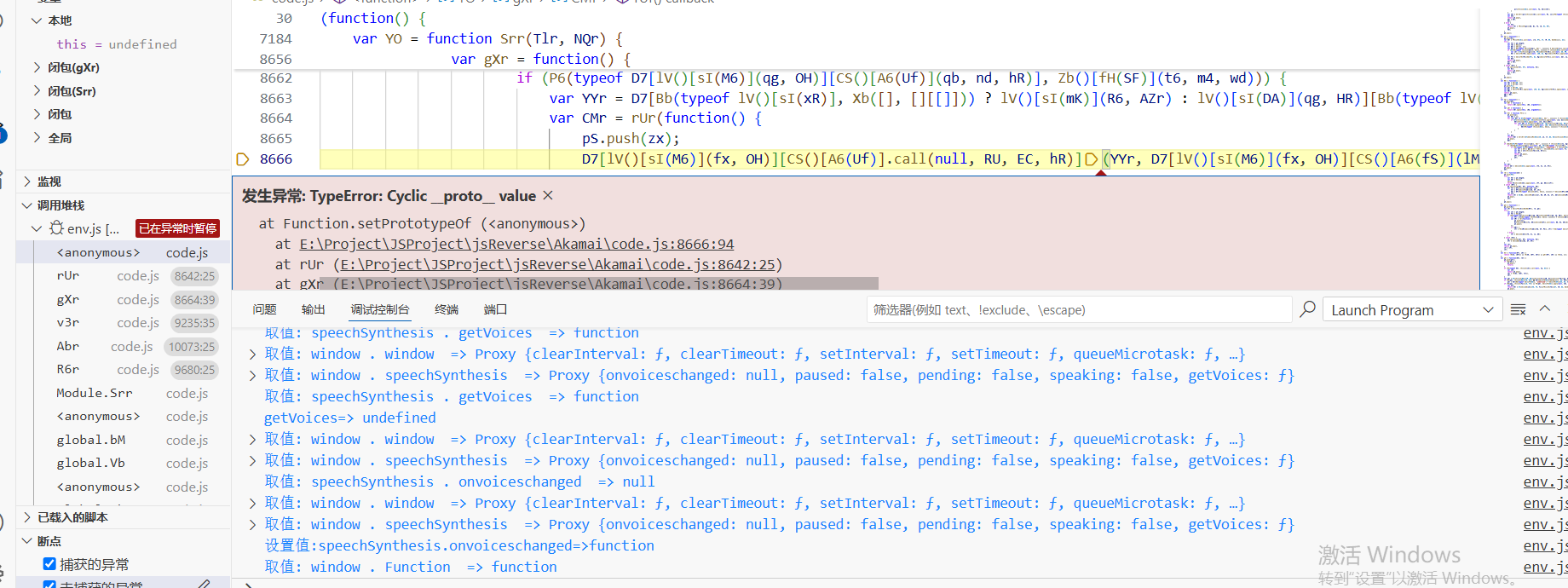
还有一个需要注意的点就是window.webkitRTCPeerConnection=RTCPeerConnection的环境的补法,这两个属性是一样的
长度这时候还是不对,考虑是在代码的某个地方try的流程走错了,需要打异常断点
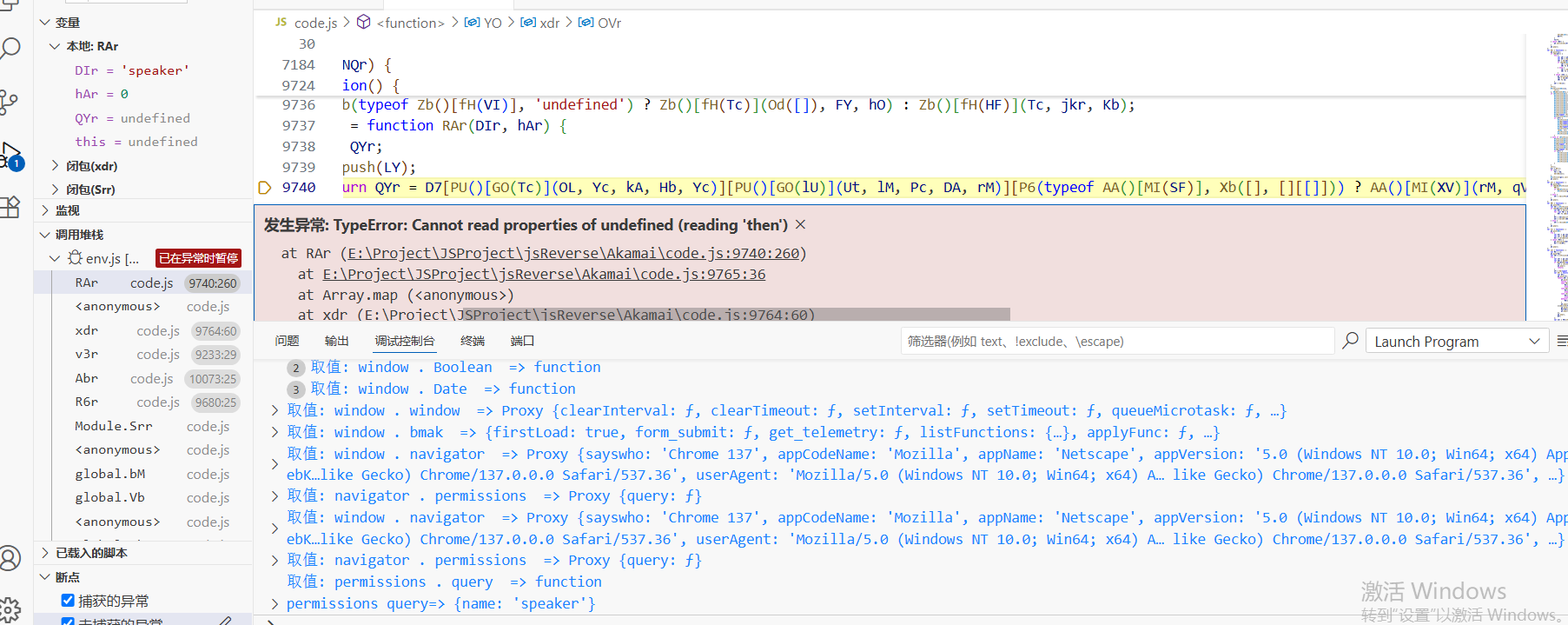
发现.then的这里报了错,是在执行permissions.query的方法报错了,取不到该方法的.then属性
因为此时该方法是没有按异步去补,自然取不到.then属性
1
2
3
4
5
permissions:watch({ query:function(ele){ console_log('permissions query=>',ele) } }, 'permissions')
这里直接new Promise然后返回就行了,return new Promise((resolve,reject)=>{})
当然有些报错是正常的,这些报错在浏览器里也会报错,主要是要找环境报错异常的地方
需要注意的是,这个接口请求会发起三次,对于有些网站甚至可能是四次,只有最后一次会拿到正常的abck(值为0的)
代码实现的流程的话,就是先拿到html里的js接口url,然后拿着set-cookie的返回值去请求接口拿到第一个abck,然后把第一次返回的abck丢到js里生成第二个data,拿着第二个data去请求接口,拿到第二个abck,依次类推,直到abck里的值为0,当然不是说-1的值不能用,有时候也可以用