#if BUILDFLAG(IS_LINUX) || BUILDFLAG(IS_CHROMEOS) int flags = renderer_prefix.empty() ? ChildProcessHost::CHILD_ALLOW_SELF : ChildProcessHost::CHILD_NORMAL; #elif BUILDFLAG(IS_MAC) int flags = ChildProcessHost::CHILD_RENDERER; #else int flags = ChildProcessHost::CHILD_NORMAL; #endif
// Find the renderer before creating the channel so if this fails early we // return without creating the channel. base::FilePath renderer_path = ChildProcessHost::GetChildPath(flags); if (renderer_path.empty()) returnfalse;
// Set cache information after establishing a channel since the handles are // stored on the channels. Note that we also check if the factory is // initialized because in tests the factory may never have been initialized. if (!GetBrowserContext()->IsOffTheRecord() && !base::CommandLine::ForCurrentProcess()->HasSwitch( switches::kDisableGpuShaderDiskCache)) { if (auto* cache_factory = GetGpuDiskCacheFactorySingleton()) { for (const gpu::GpuDiskCacheType type : gpu::kGpuDiskCacheTypes) { auto handle = cache_factory->GetCacheHandle( type, storage_partition_impl_->GetPath().Append( gpu::GetGpuDiskCacheSubdir(type))); gpu_client_->SetDiskCacheHandle(handle); } } }
// We may reach Init() during process death notification (e.g. // RenderProcessExited on some observer). In this case the Channel may be // null, so we re-initialize it here. if (!channel_) InitializeChannelProxy();
// Unpause the Channel briefly. This will be paused again below if we launch a // real child process. Note that messages may be sent in the short window // between now and then (e.g. in response to RenderProcessWillLaunch) and we // depend on those messages being sent right away. // // |channel_| must always be non-null here: either it was initialized in // the constructor, or in the most recent call to ProcessDied(). channel_->Unpause(false/* flush */);
// Call the embedder first so that their IPC filters have priority. GetContentClient()->browser()->RenderProcessWillLaunch(this);
#if BUILDFLAG(IS_ANDROID) // Initialize the java audio manager so that media session tests will pass. // See internal b/29872494. static_cast<media::AudioManagerAndroid*>(media::AudioManager::Get()) ->InitializeIfNeeded(); #endif// BUILDFLAG(IS_ANDROID)
CreateMessageFilters(); RegisterMojoInterfaces();
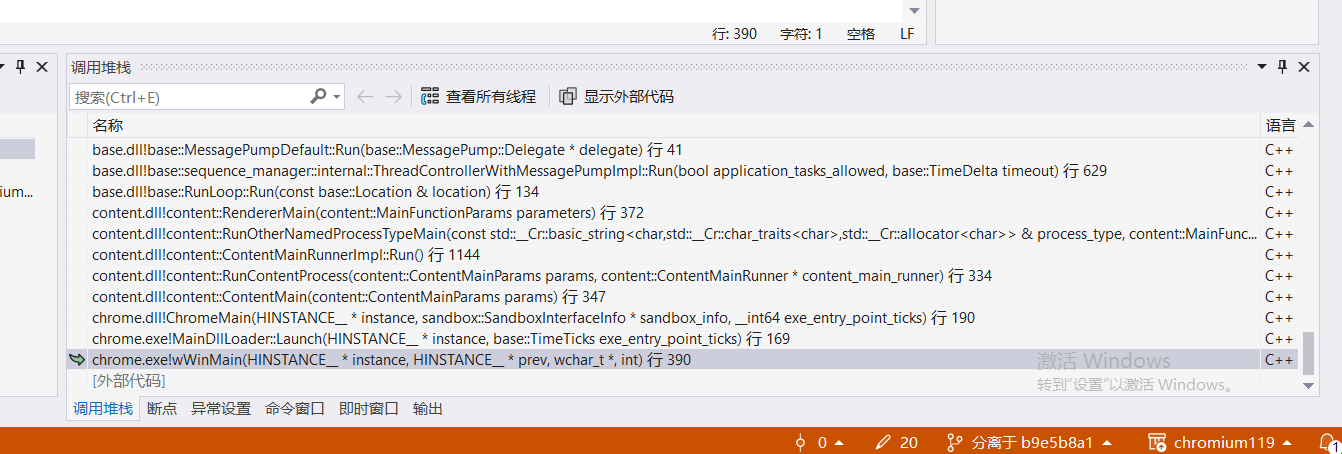
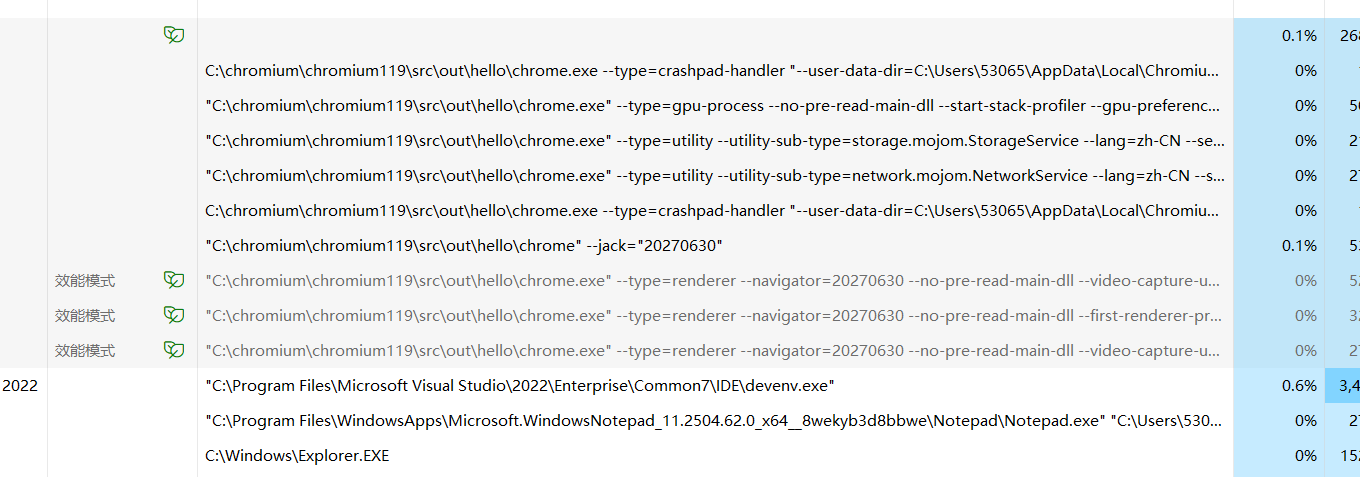
// Call this now and not in OnProcessLaunched in case any mojo calls get // dispatched before this. GetRendererInterface()->InitializeRenderer( GetContentClient()->browser()->GetUserAgentBasedOnPolicy( browser_context_), GetContentClient()->browser()->GetUserAgentMetadata(), storage_partition_impl_->cors_exempt_header_list(), AttributionManager::GetSupport(), GetContentClient()->browser()->GetOriginTrialsSettings()); // 判断是否以单进程形式启动浏览器,如果是就走下面的逻辑,所以这个不用看 if (run_renderer_in_process()) { //... } else { // Build command line for renderer. We call AppendRendererCommandLine() // first so the process type argument will appear first. std::unique_ptr<base::CommandLine> cmd_line = std::make_unique<base::CommandLine>(renderer_path); if (!renderer_prefix.empty()) cmd_line->PrependWrapper(renderer_prefix); // 添加命令行参数 AppendRendererCommandLine(cmd_line.get());
// Spawn the child process asynchronously to avoid blocking the UI thread. // As long as there's no renderer prefix, we can use the zygote process // at this stage. child_process_launcher_ = std::make_unique<ChildProcessLauncher>( std::move(sandbox_delegate), std::move(cmd_line), GetID(), this, std::move(mojo_invitation_), base::BindRepeating(&RenderProcessHostImpl::OnMojoError, id_), std::move(file_data)); channel_->Pause();
// In single process mode, browser-side tracing and memory will cover the // whole process including renderers. BackgroundTracingManagerImpl::ActivateForProcess(GetID(), child_process_.get());
voidRenderProcessHostImpl::AppendRendererCommandLine( base::CommandLine* command_line) { // Pass the process type first, so it shows first in process listings. command_line->AppendSwitchASCII(switches::kProcessType, switches::kRendererProcess);